Walls & axes
Solid and dashed lines transfer wall runs and grid axes directly from your plan.
Service
HP SitePrint transfers digital CAD plans precisely at 1:1 scale directly onto floor surfaces, including complex geometries and labels. This reduces manual measuring and marking effort, minimises transfer errors and simplifies the execution of your plans.
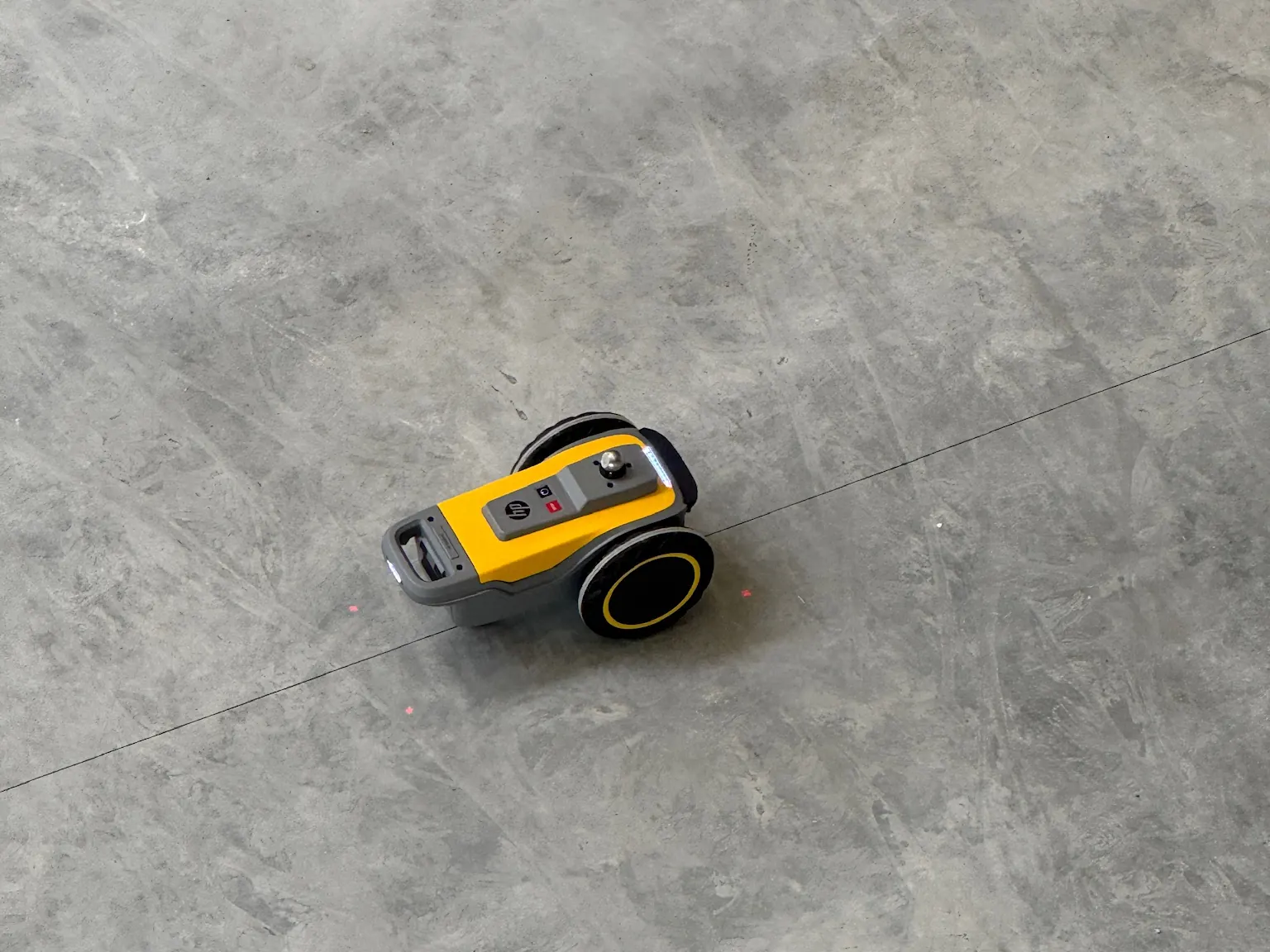
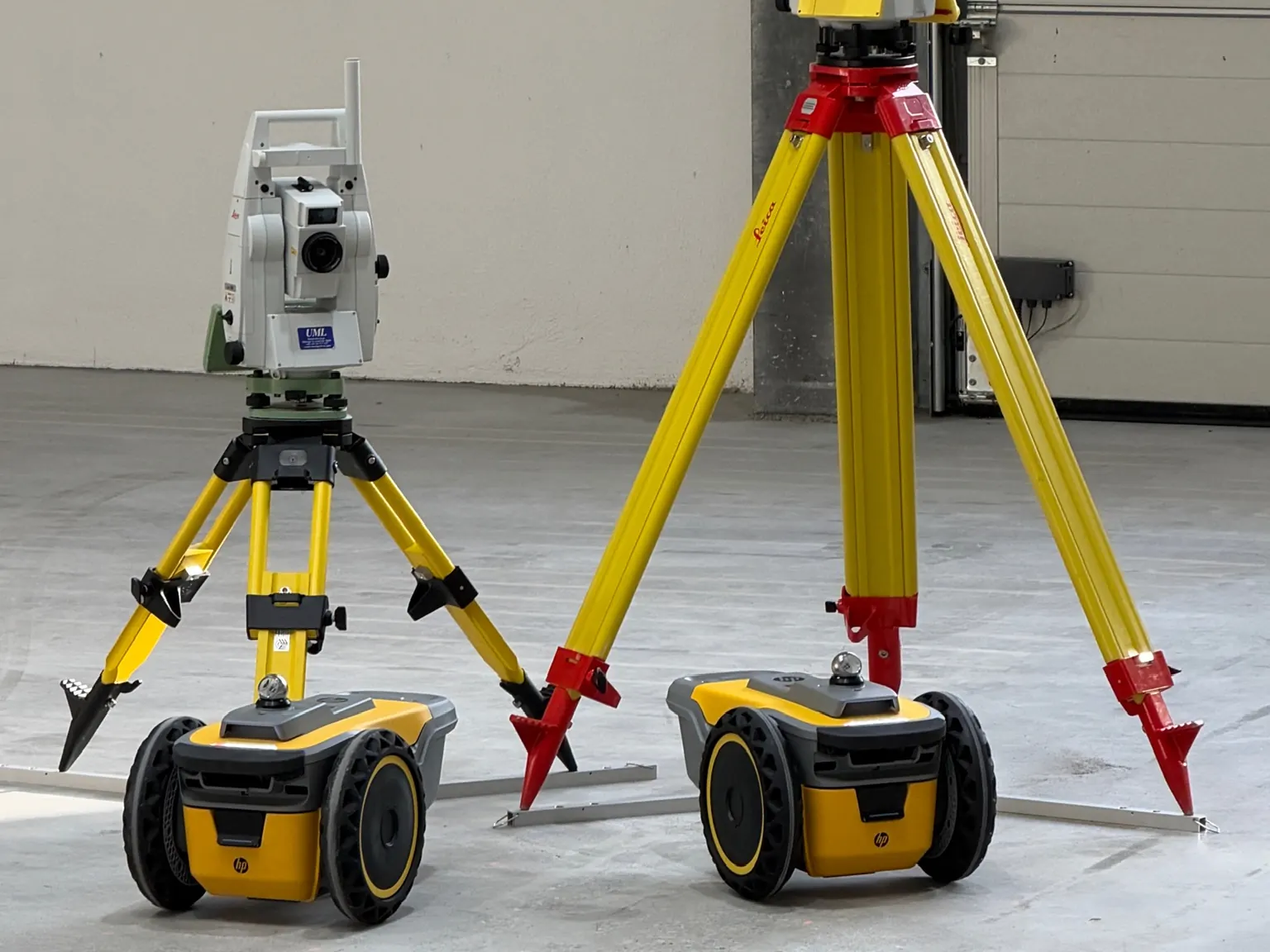
Layout printing, also known as floor layout printing, transfers CAD plans directly onto the floor at a scale of 1:1. An HP SitePrint prints lines, arcs, points and labels while a Leica total station continuously determines its position relative to your fixed points. The layout takes shape exactly where it sits in the plan, without marking out with a chalk line and tape measure.
On site
The difference
| Feature | Chalk line & tape measure | Layout printing |
|---|---|---|
| Transfer | Chalk line & tape measureMeasured and marked by hand, point by point | Layout printing Automatically, directly from your CAD file |
| Arcs, circles, angled lines | Chalk line & tape measureTime-consuming, every shape adds to the time required | Layout printing No extra effort, printed as drawn |
| Labels | Chalk line & tape measureAdded by hand with a spray can or pen | Layout printing Text and axis labels printed at the same time |
| Accuracy | Chalk line & tape measureReading and transfer errors add up | Layout printing An internally consistent print, referenced to your fixed points |
| Plan changes | Chalk line & tape measureMeasure again, mark again | Layout printing Update the data, print again |
| Verification | Chalk line & tape measureRecheck with a tape measure | Layout printing Checked on site against agreed reference dimensions |
What we print
Solid and dashed lines transfer wall runs and grid axes directly from your plan.
Arcs and circles are printed true to scale onto the floor.
Contours and footprints show the positions of columns, machines and equipment.
Base points and anchor bolts in high-bay warehouses are transferred directly from the CAD plan.
Text and axis labels are printed onto the floor alongside the layout.
Individual points from your plan are transferred onto the floor as markings.
Preparation
CAD layout with reference points the layout to be printed, with fixed points or column axes as reference.
On-site contact someone who knows the area and how to access it.
Time frame when the area is clear and by when the layout must be in place.
Honestly
Applications
We print floor plans, axes, pipe and cable routes, elevation marks or custom markings directly onto the floor, exactly according to your planning data. Content, colours and markings are tailored to each project.
Markings are executed with high precision in the millimetre range, directly from your digital plans and tracked by a Leica total station with 1″ angular accuracy.
A contact person on site, the CAD layout to be printed with reference points (fixed points or column axes) and the time frame. CAD or BIM data in DWG or DXF format is ideal. We prepare the data for printing.
Printing is not possible where obstacles are in the way. Smaller joints and slight height differences, such as a steel plate, are no problem. In extremely dusty conditions we do not operate, to protect the equipment. Narrow spots are possible, but there must be enough room for the station: the printer needs a minimum distance of 3 m from it.
Felix Rude · Your contact for layout printing
We prepare your layout for printing and get back to you with a quote.